
This month's drawing-tool release focuses on sharper 3D edits, cleaner multi-sensor views, and faster work across multi-selections. Here's what's new in the platform
Sharper 3D edits, cleaner views
Object Camera Ruler
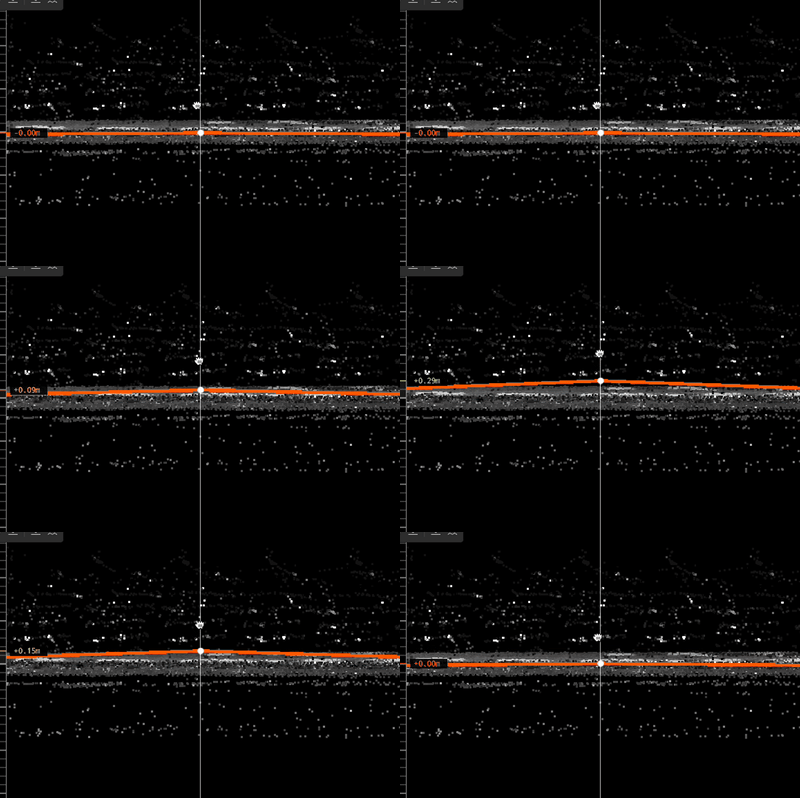
A ruler overlay is now available in the back and right object camera views, showing Z-axis measurements in metric units. When you drag an object vertically, a delta indicator shows exactly how far it has moved in real time (for example, "+3 cm" or "+0.5 m"), colour-coded from red at 0 m through orange around 0.125 m to fully green at 0.25 m or more.
The ruler helps annotators get a sense of scale at a glance and avoid unnecessary micro-adjustments.
Available in: Drawing tool, object camera views · Docs
Polygon classification tool update
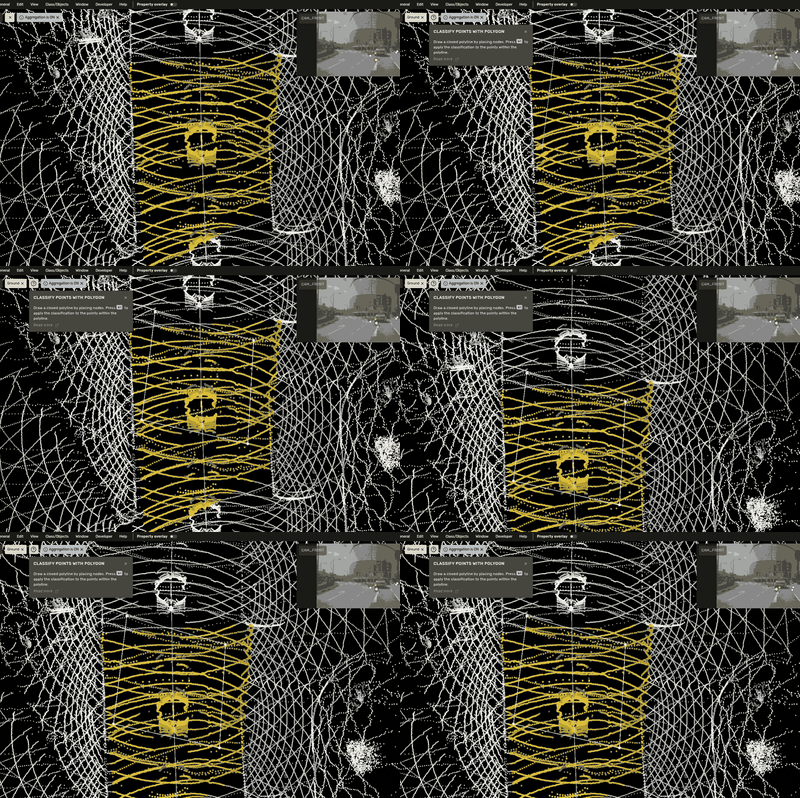
The polygon classification tool now behaves predictably in both BEV and perspective camera views. Drawing in BEV places the points in the point cloud, so the polygon stays fixed against the scene as you move the camera. Drawing in perspective view places the polygon in the 3D camera plane, so it moves with the camera. That gives extra flexibility when extreme precision is needed at a specific viewing angle.
Available in: Drawing tool, 3D point classification tasks · Docs
Hide multi-sensor cuboids
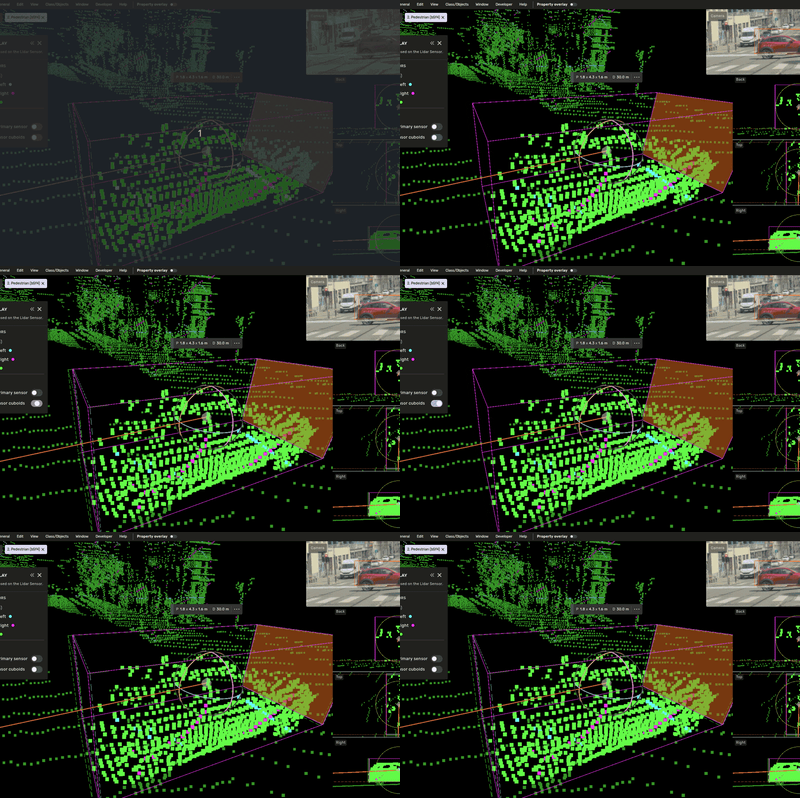
The extra cuboids produced by the multi-sensor feature can now be hidden. Useful when they get in the way during annotation, or when you simply want a less cluttered view.
Available in: Drawing tool, multi-sensor 3D tasks · Docs
Less repetition, more decisions
3D Slice Tool
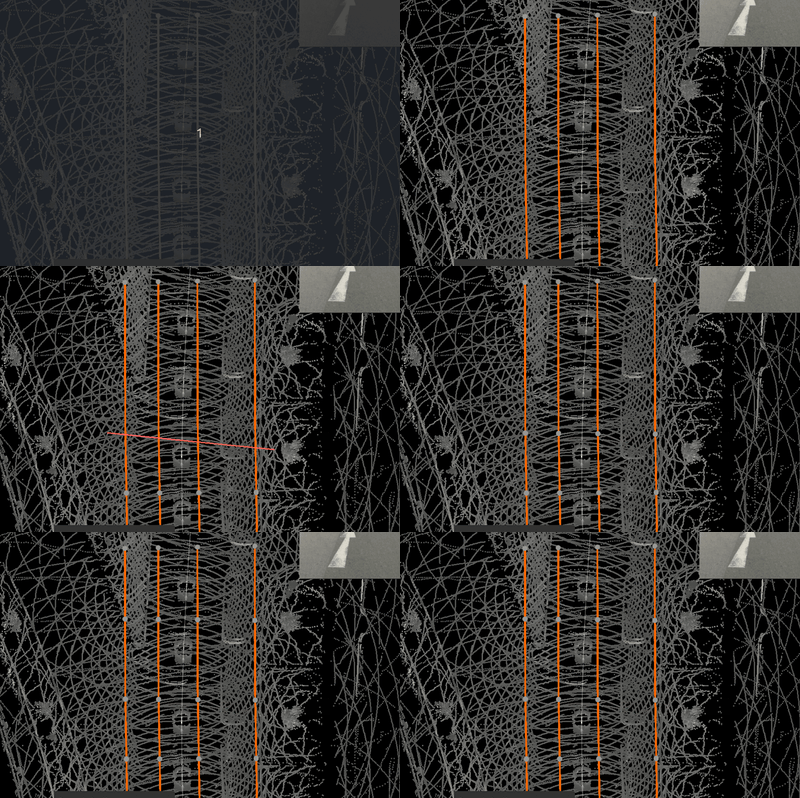
The new 3D Slice Tool lets annotators split multiple 3D lines or lanes in a single gesture. Activate the tool, then click and drag a stroke across every line you want to cut. Each intersected shape is split at the crossing point, with properties copied to the new pieces.
Previously, splitting several lines required slicing each one individually. The new tool streamlines lane and line edits where many parallel objects need to be cut at the same location (across an intersection, a junction, or a lane merge).
Available in: Drawing tool · Docs
Multi-set properties and batch-action bar
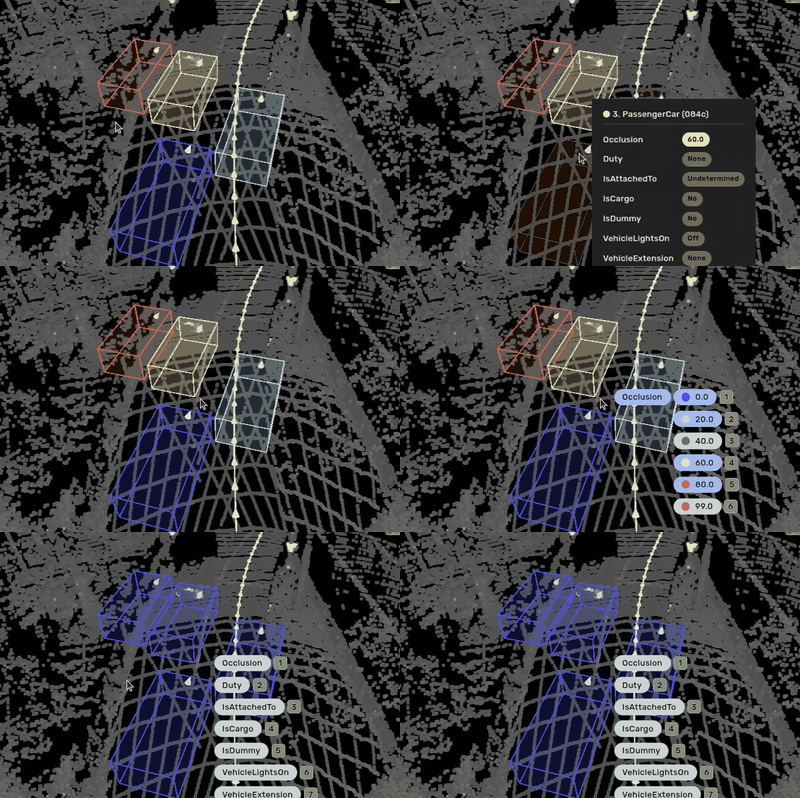
Quick Properties now works on multi-selected objects, and a new batch-action bar gives one-click access to set properties, paste properties, and add feedback across the whole selection. Invalid options are disabled.
Annotators and reviewers can apply the same property change to many objects, paste properties to many targets, or open Quick Feedback for a multi-selection in one move instead of repeating the edit object-by-object.
Available in: Drawing tool · Quick Properties docs · Multi-selection docs
Coming up in June
More productivity improvements coming, with continued focus on the drawing tool: 3D node mode for end-node visibility across lines, copy-object-with-properties shortcuts, and Image Properties for camera-only tasks. Watch this space.
Questions? Reach out to your account team or contact us at support@kognic.com.