We're kicking off 2026 with a batch of updates focused on quality visibility, automated error detection, and annotation workflow improvements. Here's what's new for teams working on autonomous vehicle training data.
Quality Alignment Gets More Powerful
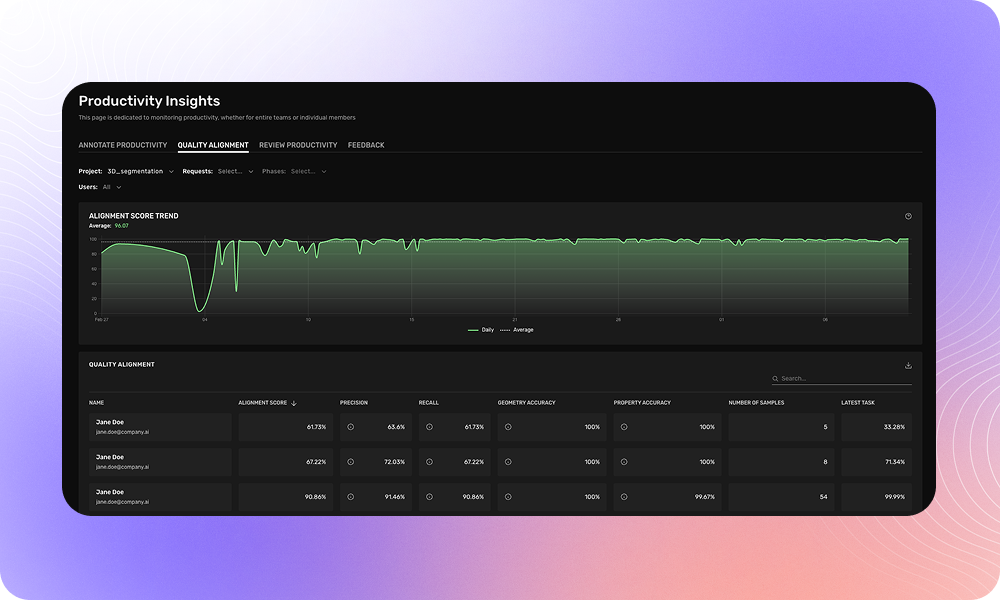
Quality Alignment now lets you drill down from aggregated user metrics to individual assignments. This makes it easier to:
- Identify which specific tasks are driving quality trends
- Provide targeted feedback to annotators
- Investigate issues at a granular level
We've also added the ability to search users by email address in the user dropdown.
Where to find it: Team Management → Productivity Insights → Quality Alignment
3D Segmentation Support
Quality Alignment now supports 3D Semantic Segmentation and 3D Instance Segmentation. We're rolling this out across projects—contact your account team if you'd like historical data backfilled.
Quality Estimations for Requests
A new Alignment Analytics view displays quality metrics at the request level, including estimated quality for unreviewed assignments. Use this to make data-driven decisions about sampling rates and review allocation.
Programmatic Checks: Catch More Errors Automatically
We've expanded our programmatic checks to help you catch annotation errors before delivery
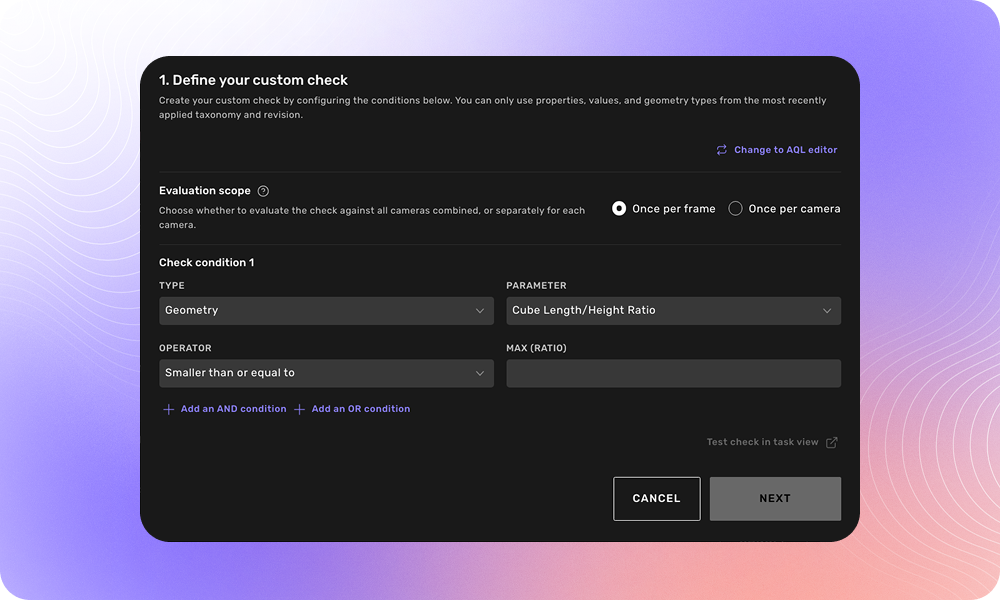
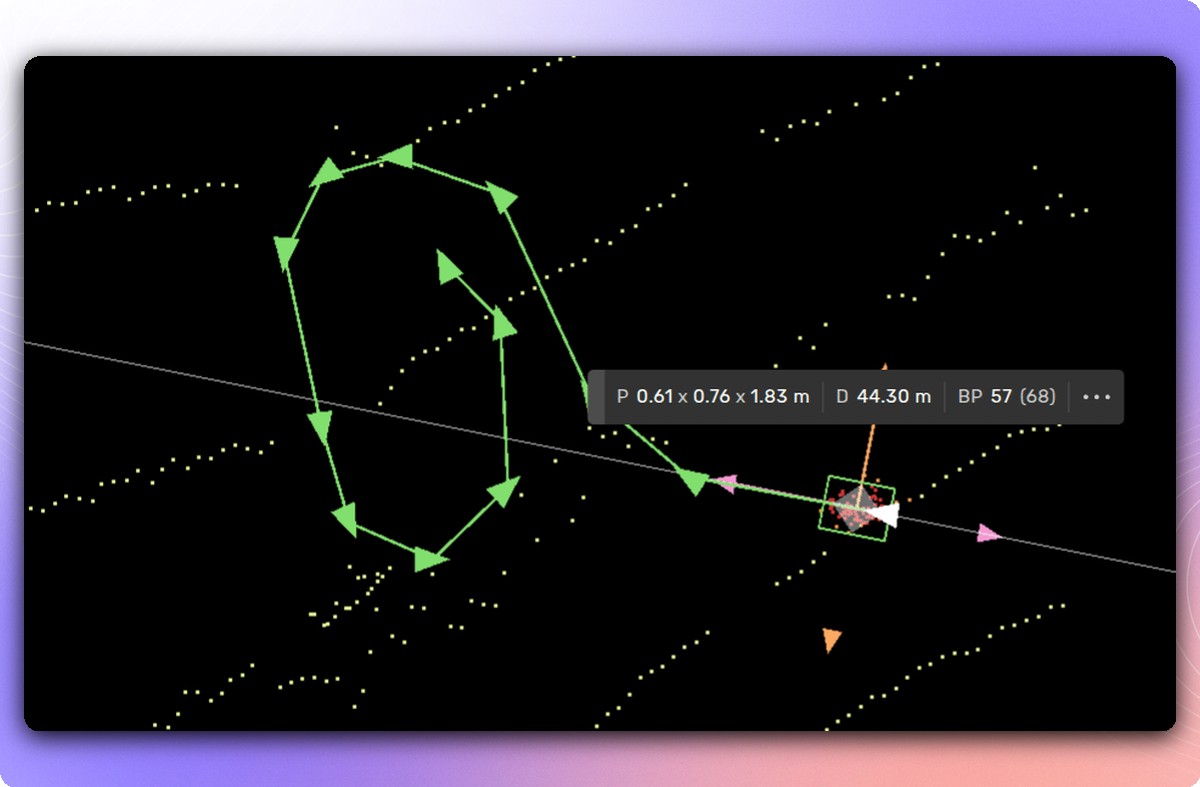
Cube3D Scale Ratios
New checks validate the relationship between width, height, and length of 3D cuboids:
-
cube3d_length_to_height_ratiocube3d_length_to_width_ratiocube3d_width_to_height_ratio
For example, you can automatically flag when a vehicle annotation is wider than it is long—something that's almost always an error.
Polygon Area Validation
Check that polygons and multi-polygons fall within expected size ranges:
-
polygon2d_area— minimum/maximum area in pixels²multipolygon2d_area— for multi-polygon annotations
Scene Property Checks
Validate scene-level properties like weather and lighting conditions:
properties_str.weather = "rainy"
properties_str.weather ALL IN ("rainy", "sunny")
Per-Camera Evaluation
Run checks per camera instead of across all cameras combined—essential for multi-camera setups where an object may be occluded in one view but visible in another.
Annotation Tool Updates
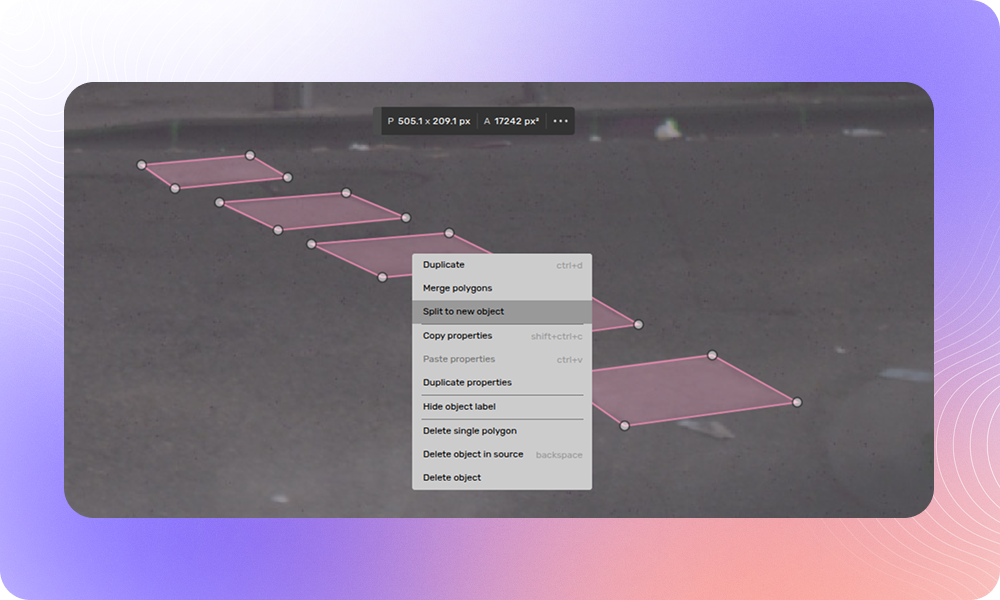
Split Polygon to New Object
Quickly fix cases where multiple objects were incorrectly annotated as one. Right-click any polygon in a multi-polygon and select "Split to new object."
Prevent Editing in Review Tasks
A new request setting restricts reviewers to feedback only, preventing accidental edits during quality review phases.
More Improvements
- Overwrite existing properties
- Remove redundant points with one click
- Lane connection customization
- Project 3D lines to 2D
We'll be at Tech.AD Europe in Berlin, March 23-24. Stop by our booth to see these features in action.
Questions? Reach out to your account team or contact us at support@kognic.com.