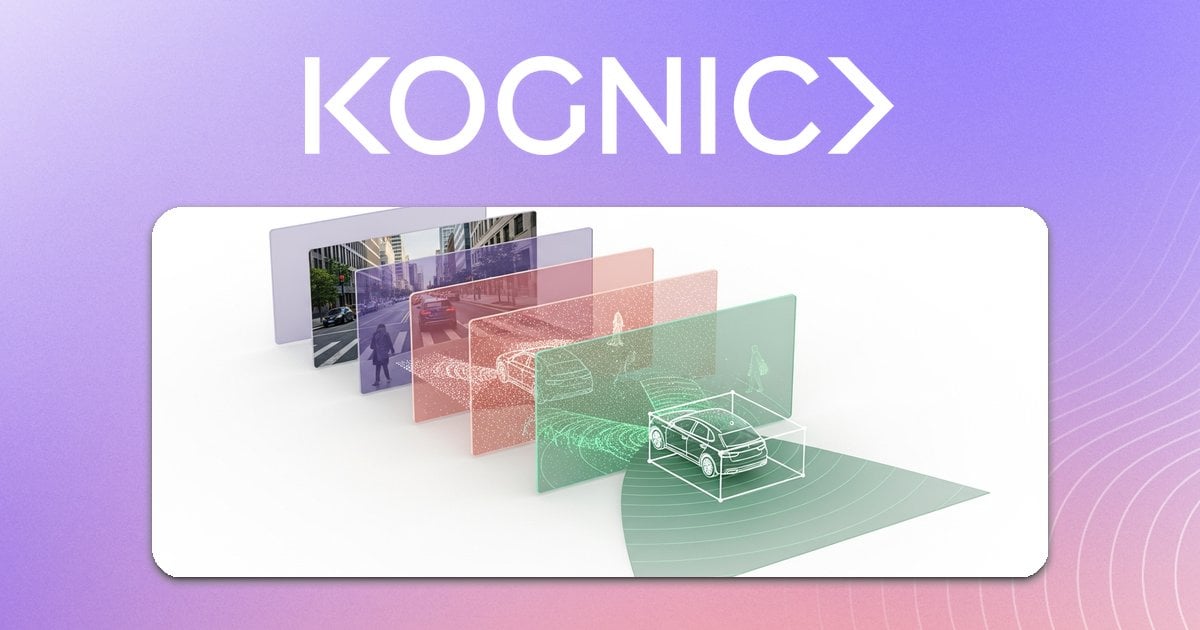
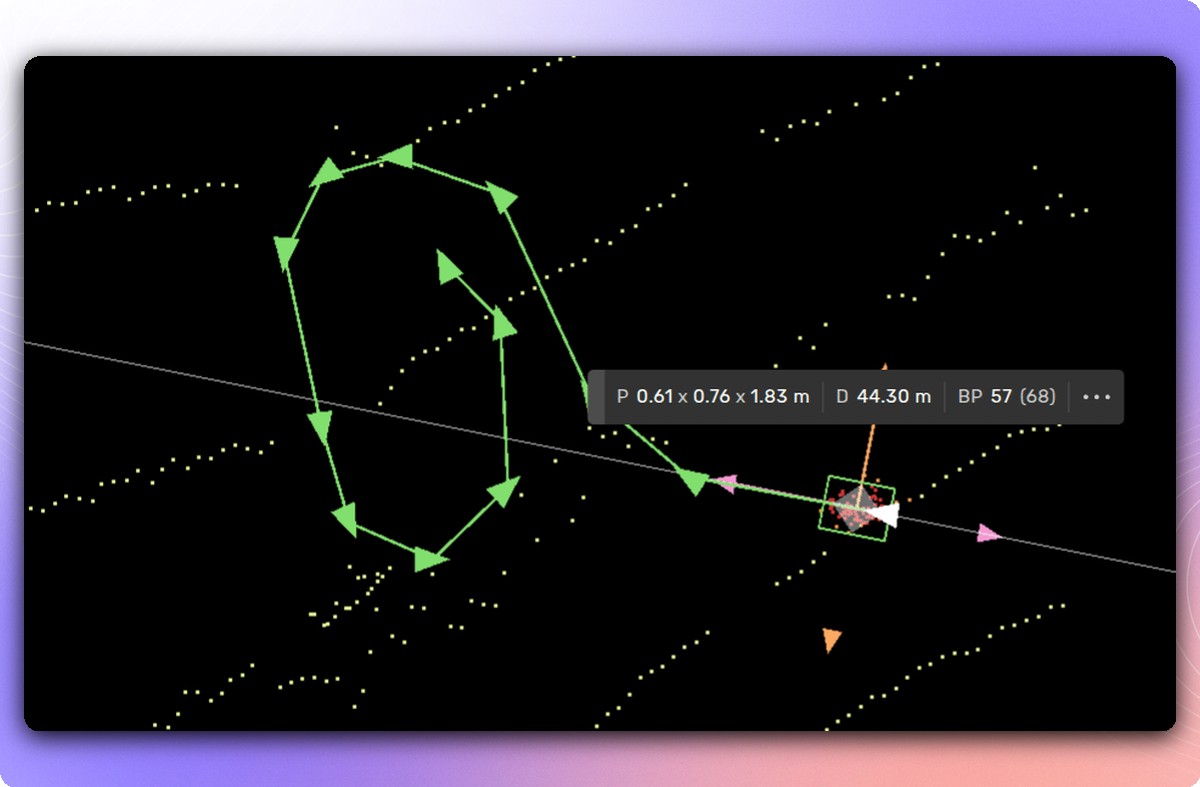
We're excited to announce Automatic 2D Tracking—a new feature that helps you get more annotated data for your budget. This assistive tool accelerates the annotation process for 2D sequences by automatically adjusting shape positions as annotators move through frames.
Annotating shapes like Points, Curves, Polygons, MultiPolygons, and Bounding Boxes is now significantly faster. Annotators simply locate the object, draw the shape, and enable tracking. The shape automatically adjusts frame-by-frame, reducing manual effort while maintaining accuracy.
Automatic 2D Tracking combines dense optical flow for pixel tracking with the Segment Anything Model (SAM) for shape refinement. This human-machine collaboration delivers substantial productivity gains, enabling you to process more data with the same resources—directly supporting our mission to maximize annotated data output per dollar spent.
Enabling 2D shape tracking is straightforward: click the button in the app's left panel or use the keyboard shortcut alt+q to toggle the feature on or off.
While Automatic 2D Tracking dramatically improves workflow efficiency, some edge cases may still require manual annotation. Our platform seamlessly supports both automated and manual workflows, ensuring you maintain the quality standards required for safety-critical autonomy applications.
This update reflects Kognic's commitment to building the most productive annotation platform for autonomy data. By integrating intelligent automation that amplifies human expertise rather than replacing it, we help you accelerate development cycles and reduce project costs—getting you the most annotated sensor-fusion data for your budget.
Automatic 2D Tracking is automatically enabled for preprocessed 2D sequence inputs that include at least one supported shape type in your Training Data. Our team is ready to provide preprocessing assistance to ensure optimal performance.
For more information about Automatic 2D Tracking and how it fits into your annotation workflow, visit our documentation or contact our team to discuss your specific needs.